Subcontracting
your materials,

 their process.


Subcontracting software for outsourced manufacturing: supply raw materials while your subcontractor handles the process. Track stock at the supplier, transfer from BOM, receive finished goods with true valuation — service plus components in one flow.
Built for UK manufacturers who send components to external partners for painting, assembly, or finishing. Your subcontracting ERP ties purchase orders, material transfers, receipts, and costing into the same inventory ledger you use for in-house production — without duplicate spreadsheets, manual reconciliations, or mystery stock at the supplier.

Flag the Purchase Order as subcontracted — service rate is labour only, not raw materials.
Subcontracting software: map service to
finished goods.


A Subcontracting BOM links your Service Item (non-stock) to the finished product, default production BOM, UOM, and conversion factor. Select either item on a subcontracted PO and SolutionsERP fills the rest.
 Auto-fill PO lines Repeat the same subcontractor SKU pairs without retyping BOM details.
 Conversion factor e.g. 1 unit of painting produces 2 units of tiles — calculated automatically.


Business Benefit: Procurement quotes the service; production receives the correct finished item quantity every time.
Tap a row to flip direction


Plan in-house,
 or subcontract.

From a Production Plan in your subcontracting ERP workflow, set Manufacturing Type per sub-assembly: create a Work Order, raise a Subcontract Purchase Order, or generate a Material Request. Combine identical sub-assemblies into one line.
Business Benefit: One demand plan drives make-or-buy-or-subcontract decisions without duplicate spreadsheets.


“Outsourced production starts with a subcontracted Purchase Order — Purchasing sets the service rate and supplier. MRP tells you how much to send; the module tracks every gram at the subcontractor’s door.”
Explore Purchasing
Know what sits at the
subcontractor.


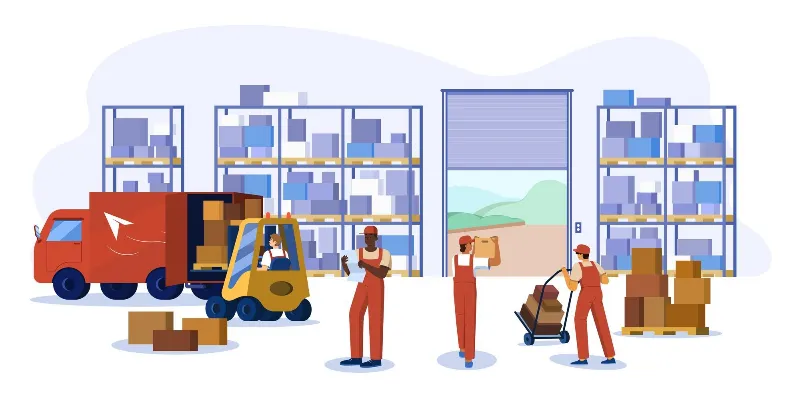
Use a supplier warehouse, reserve raw materials on the Subcontracting Order, and send stock with Send to Subcontractor entries driven from the BOM.
Reserved quantity is committed — it cannot be picked for another order until sent or released.
- Supplier-provided parts Zero-value BOM lines for parts the subcontractor sources — excluded from your transfer list.

Receive finished goods,
 flush materials.

Subcontracting Receipt brings finished items into stock, consumes raw materials at the supplier warehouse, and books the service to your Service Expense Account. Stock and accounts update here — not on Purchase Receipt.
Backflush basis (tap):
BOM: Consumes components per BOM if enough stock exists at the subcontractor — even without a prior transfer.
Business Benefit: Inventory shows the real landed cost of subcontracted items — materials plus service — in one valuation.
Nothing stuck
in transit.


Dedicated reports show materials still to send, finished goods still to receive, and order completion status. Create Quality Inspection from a draft Subcontracting Receipt before goods enter production.
 Incoming Quality Inspection on receipt
Business Benefit: Fewer lost batches at subcontractors — and rejected goods stopped at the gate.
Plan, send, receive —
on SolutionsERP.
Subcontracting software connects Purchasing, Manufacturing, Inventory, and Quality — with reporting across the full outsourced manufacturing cycle.