Customer Appointments.
Let clients pick a slot

while your team stays in sync.



Self-service booking, shared calendars, and automatic CRM follow-up — built on Frappe ERPNext Appointment scheduling.
UK sales and service teams spend hours chasing “when suits you?” emails. SolutionsInc Customer Appointments turns availability into a public booking page — with leads and meetings landing in one place.
Start free trial
Thu 14 May · Demo call
Try a slot ↓
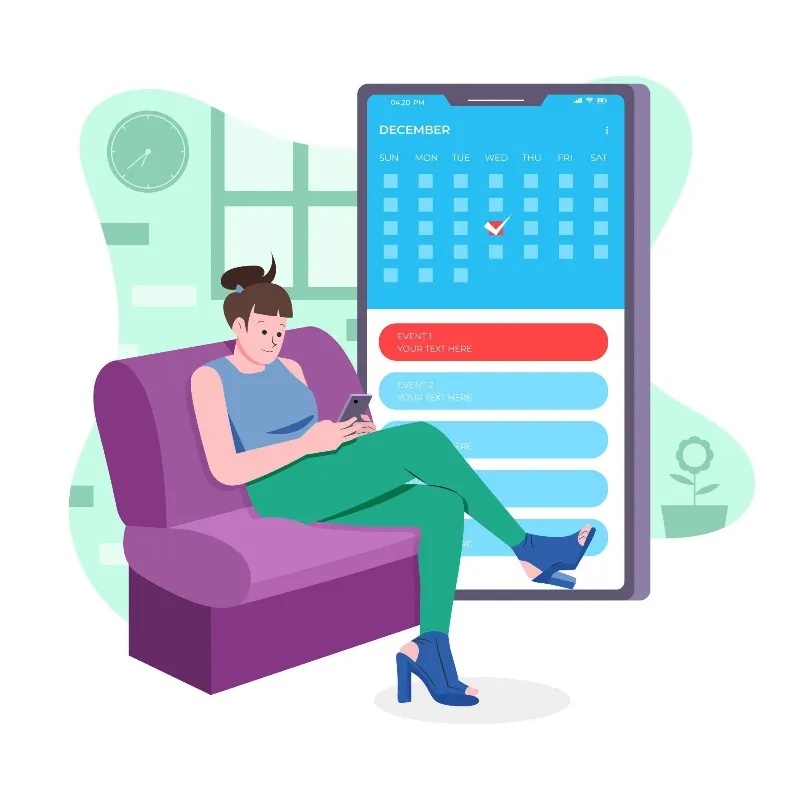
yoursite.com/book_appointment
Public portal · no login
Your customers book
 without the email tennis.

Enable Appointment Booking Settings and the /book_appointment route goes live. Visitors pick a date and time, then add their details — the same flow your team sees in ERPNext documentation.
Only real slots appear — driven by agent availability, duration, and how far ahead you allow bookings.
Name, email, and phone capture. If the email matches an existing Lead, the appointment links automatically.
Optional Success Redirect URL sends them to a thank-you or pricing page on your website after booking.
Business Benefit: Prospects book while intent is high — your inbox stops being a scheduling tool.
One shared calendar with
smarter slot rules.


Define when agents are free — per weekday, with multiple blocks (e.g. 09:00–13:30 and 14:00–17:00). Link a Holiday List so bank holidays stay unbookable. Appointment duration sets the slot length on the portal.
 Book X days in advance Control how far ahead customers can plan — aligned with your holiday calendar end date.
 Parallel bookings per slot More agents in the list means more concurrent appointments in the same time window.

Business Benefit: Customers only see times you can actually honour — fewer awkward reschedules.
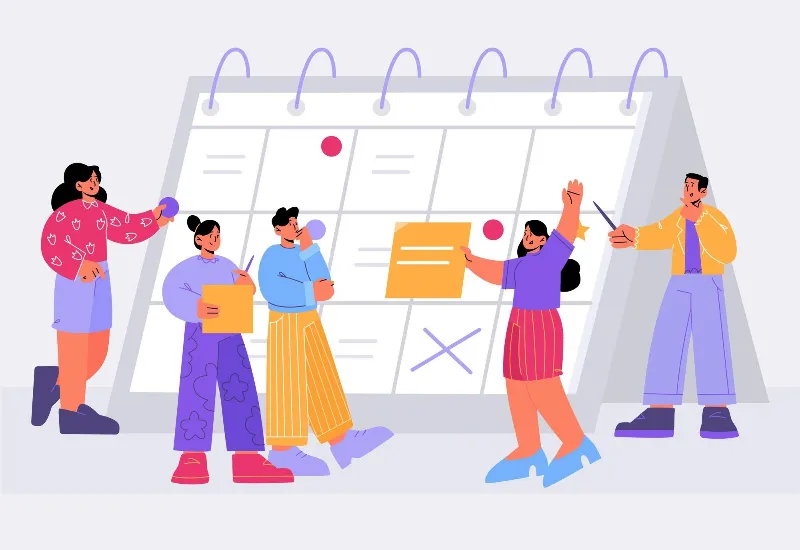



“Every booked meeting should feed your pipeline. Link appointments to Leads and Opportunities in CRM — so sales never wonders who they are meeting or why.”
Explore CRM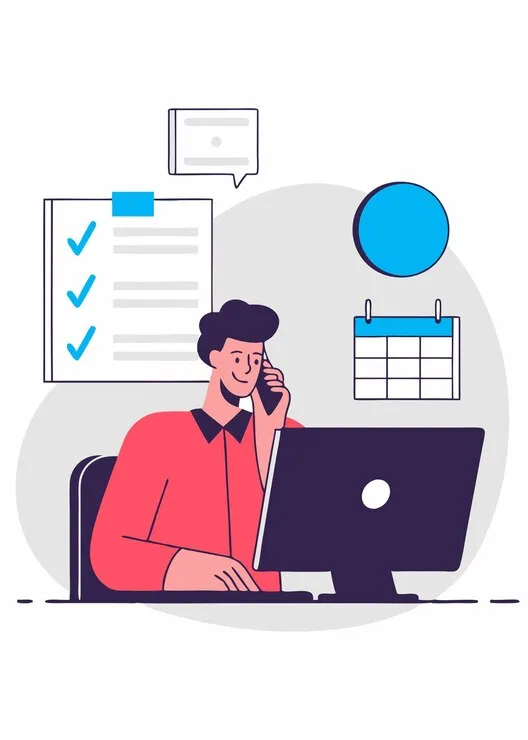
Agent: J. Patel
Least busy · free at 10:30
Meetings land on the
right person automatically.


Agents listed in settings are auto-assigned: the employee with the fewest appointments that day who is free in the slot wins the booking. New visitors can trigger email verification, then a fresh Lead is created with the appointment.
 Known email → existing Lead Returning contacts link to CRM history before anyone picks up the phone.
 Unknown email → verify & create Unverified bookings get a confirmation email; valid addresses become leads you can qualify.


Business Benefit: Fair workload across the team — and zero copy-paste from booking forms into CRM.
Fewer no-shows with
 timely email nudges.

Turn on Notify Via Email and both your employee and the customer receive a reminder on the day of the appointment. Your team also manages meetings from Home → CRM → Sales Pipeline → Appointment alongside the rest of the pipeline.
 Desk + portal in sync Internal users create or adjust appointments in the back office; customers use the public page.
 Prerequisites under control Employees, holiday lists, and email accounts configured once — then booking runs itself.
Business Benefit: More meetings actually happen — consultants and sales reps protect their diary and margin.
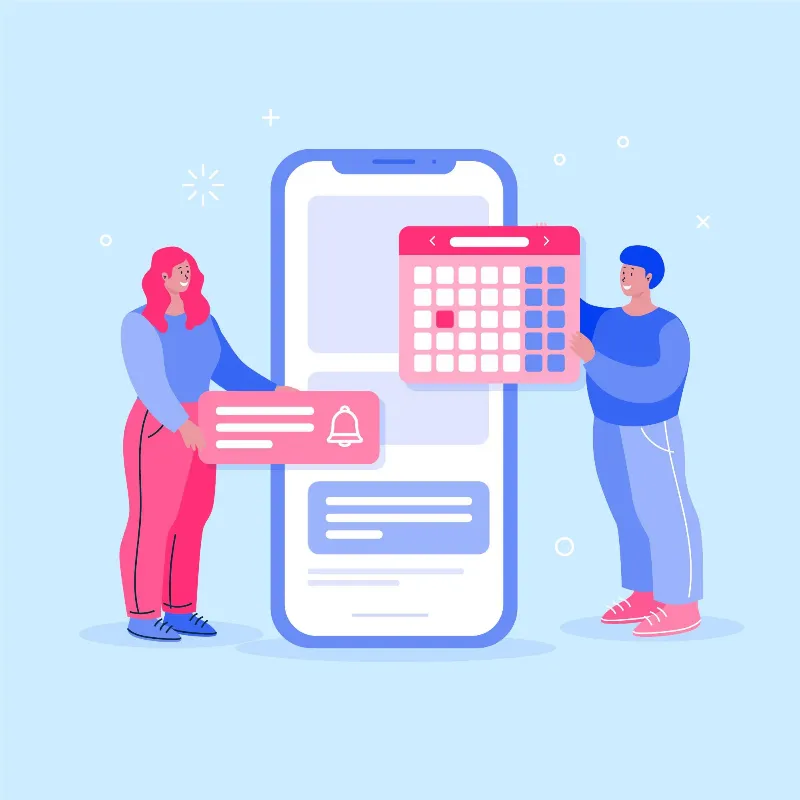
One view of
who meets whom, when.


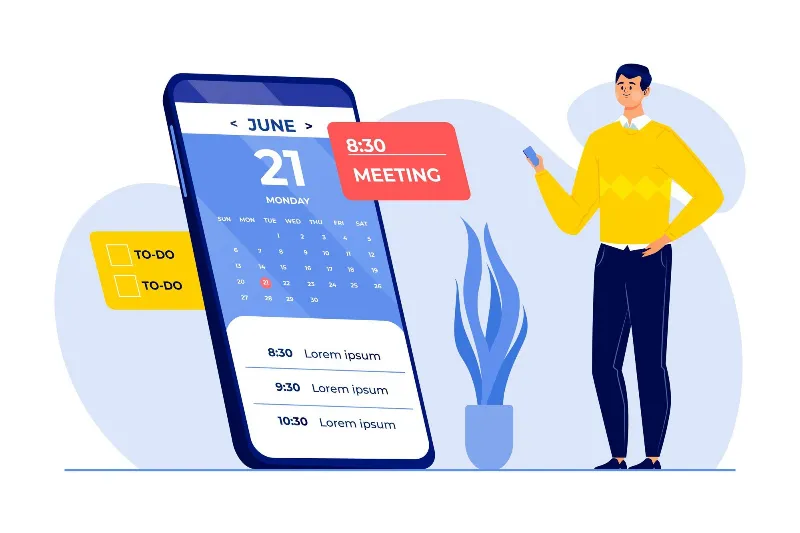
Appointments sit alongside ERPNext Events on the company calendar. Pair with SolutionsInc Google Calendar integration so external meetings and customer bookings stay aligned — less double-booking across tools.
Calendar sync ready
Push ERP events to Google · pull busy times back
Business Benefit: Sales, consultants, and ops share one schedule — customers book against real availability.

Book, nurture, convert —
without leaving SolutionsInc.
Appointments feed CRM, your website, and support — one environment for UK service businesses.